AI Dental CAD:
Scale Your Signature
in Batch Crown Design
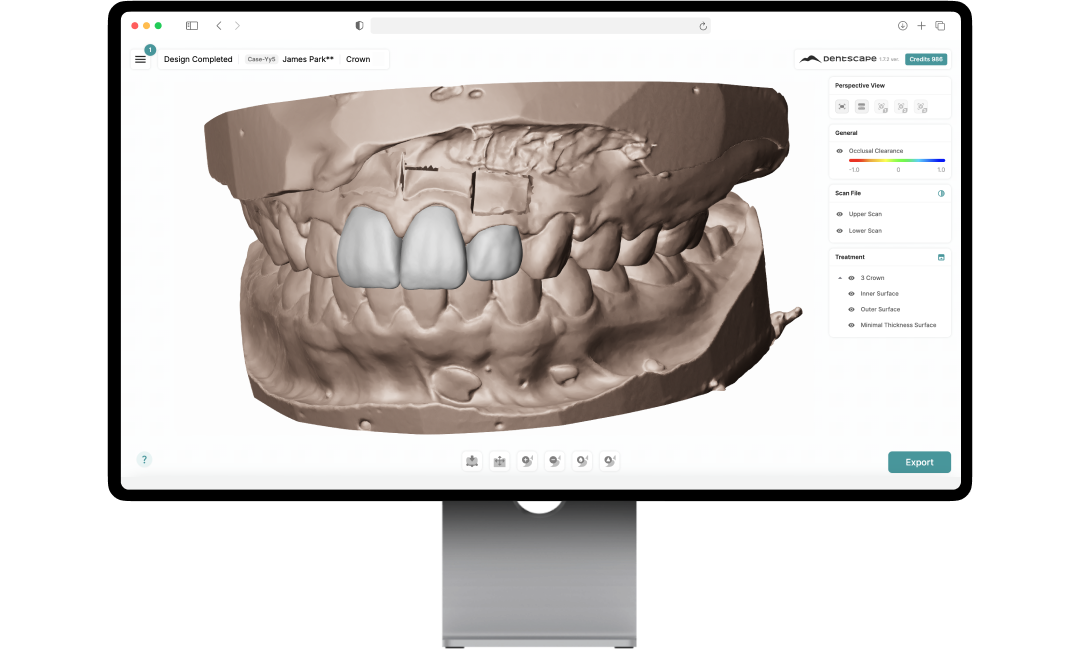
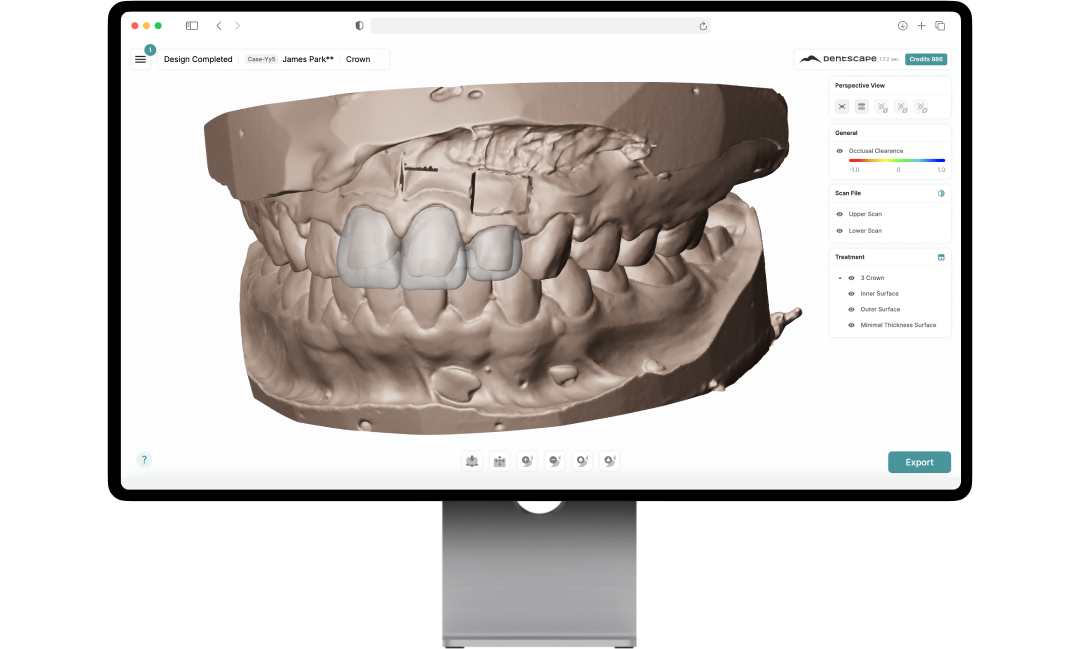
Batch process up to 100 crowns in 10 minutes, delivering customized restorations that preserve your lab's unique aesthetic—not an algorithm's average.
The Dental Technician Shortage Is an Undeniable Reality
Staffing Shortages
Rising workloads are quickly outgrowing team capacity amid severe, industry-wide staffing deficits.
How Labs Are Responding →CAD Bottlenecks
Legacy workflows limit production. Buying extra software seats is pointless without operators.
Generic Automation
Standard AI solves volume but erases uniqueness, returning the exact same shapes to every lab.
Complete Crown Design, In Your Lab's Own Style
Adaptive AI: Trained on Your Lab
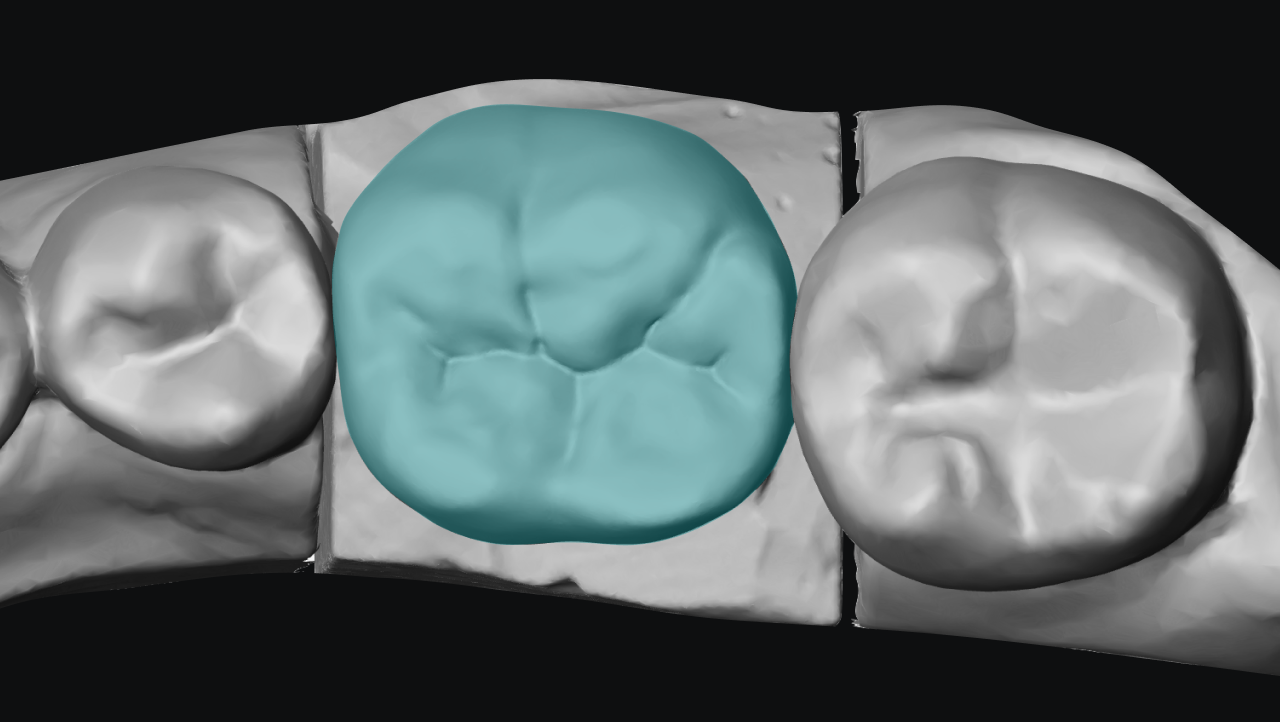
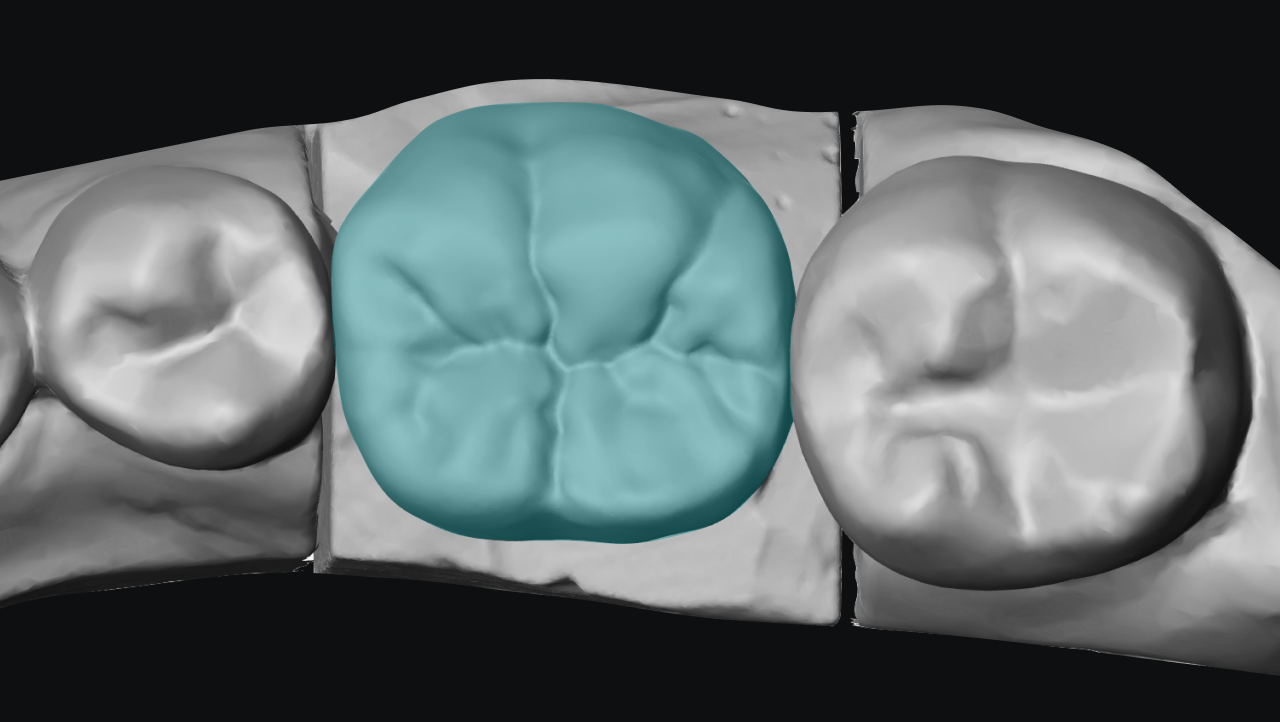
Dentscape's unique AI algorithm memorizes your preferred morphology. It creates a dedicated library exclusive to your lab, rather than relying on generic shapes. Yours looks like yours.
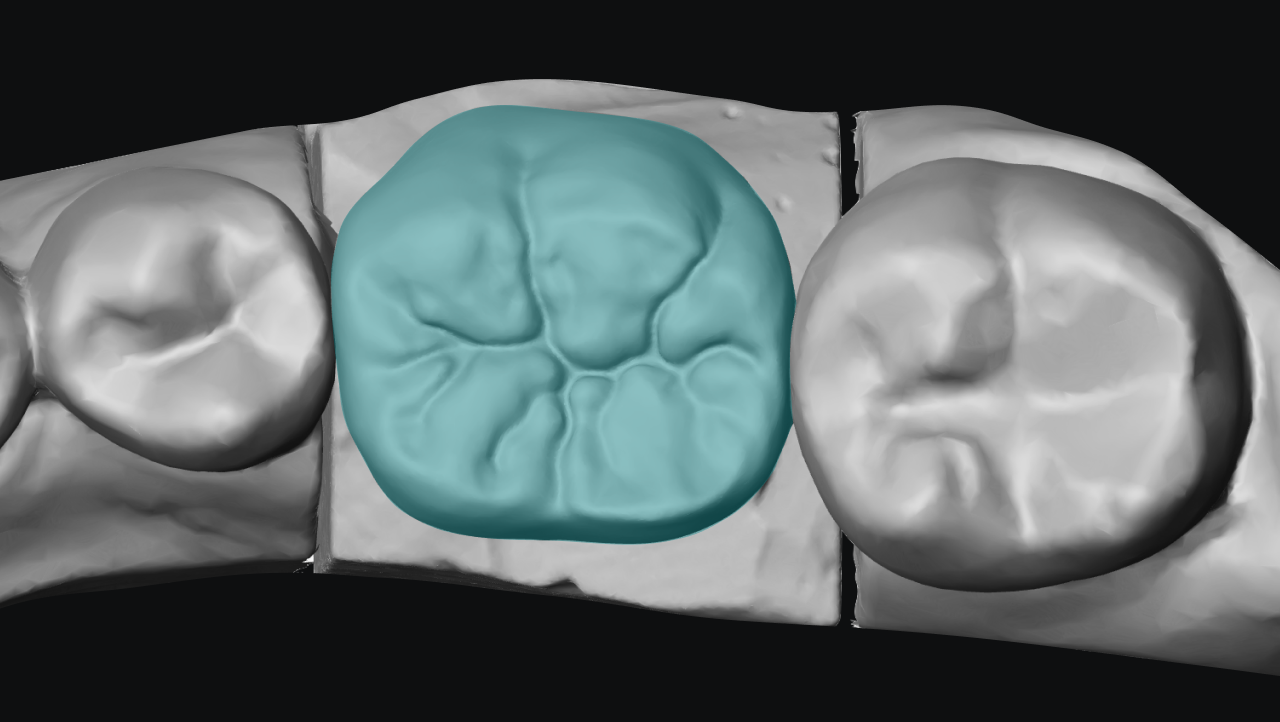
The Daily Routine Cases, Covered
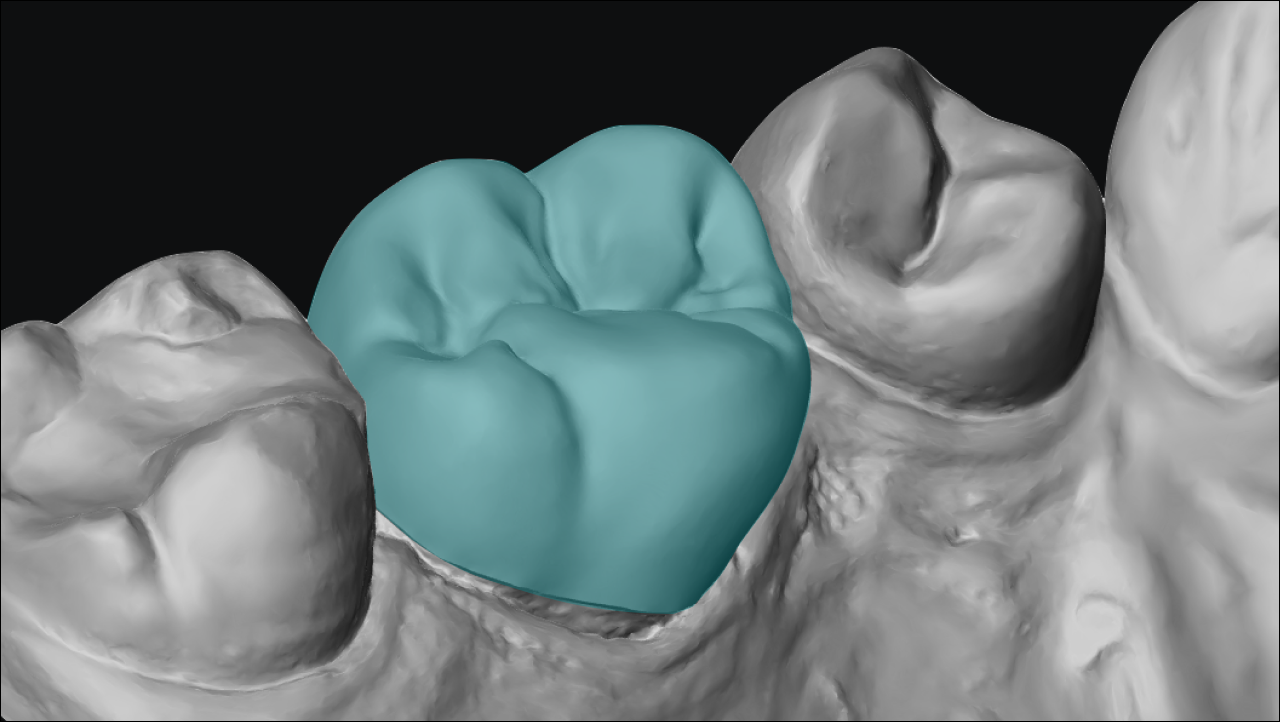
Process single and multiple units, anterior and posterior crowns, and 3-unit bridges in one seamless flow. Batch-process your high-volume, straightforward cases so your senior technicians can focus on complex designs.
Print-Ready Models Included
A crown file isn't a finished case. Every crown designed in Dentscape automatically generates its corresponding print model and extra dies at no extra cost.
More about models →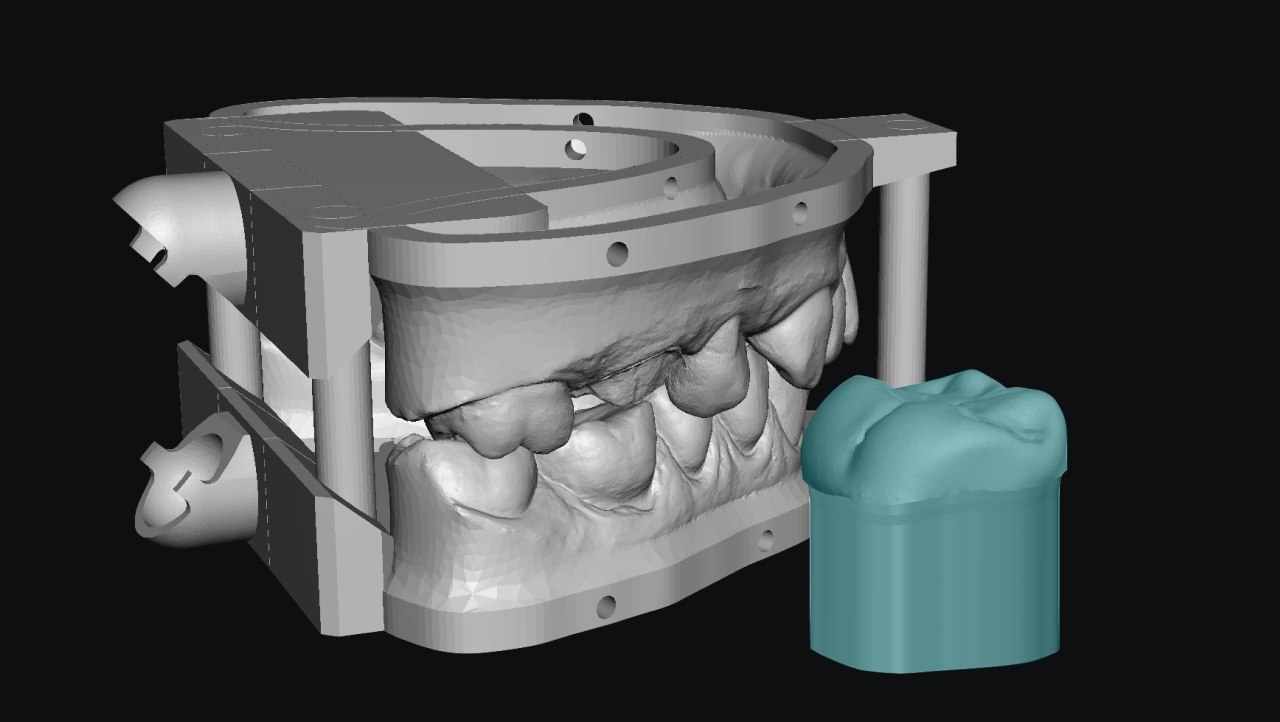
Batch Crown Design: One Upload, the Whole Queue
Five stations, one continuous flow — from upload to CAM-ready files.
- STEP 1
Batch Upload
- Drag and drop up to 100 cases at once, including ZIP and 3OXZ archives.
- Accept STL, PLY, and DCM files from any scanner.
- Automatically read order forms and doctor-marked .pts margin files.
- STEP 2
Scan QC
Coming soon- Screen every scan automatically the moment it is uploaded.
- Verify occlusal clearance, bite accuracy, and mesh integrity instantly.
- Flag issues early while requesting a rescan is still easy.
- STEP 3
Batch Design
- Run purely in the cloud without heavy desktop installations.
- Leverage parallel computing to process massive workloads simultaneously.
- Generate customized crowns, bridges, and models in minutes.
- STEP 4
Review & Approve
- Review and approve batches effortlessly on a single interface.
- Empower technicians as expert gatekeepers using familiar adjustment tools.
- Refine morphology, contacts, and margins with our full in-browser CAD editor.
- STEP 5
Batch Export
- Export crowns, bridges, and models with one click.
- Include structured metadata exactly as your manufacturing systems require.
- Adapt output formats seamlessly to fit your lab's established workflow.
AI Dental CAD FAQ
Alongside. Dentscape embeds into the workflow you already run — your upload, your review, your delivery to CAM — so the workflow doesn't change to fit the AI. Let the AI take the simple, high-volume cases; the complex, high-judgment ones stay with your technicians in the CAD you already trust.